

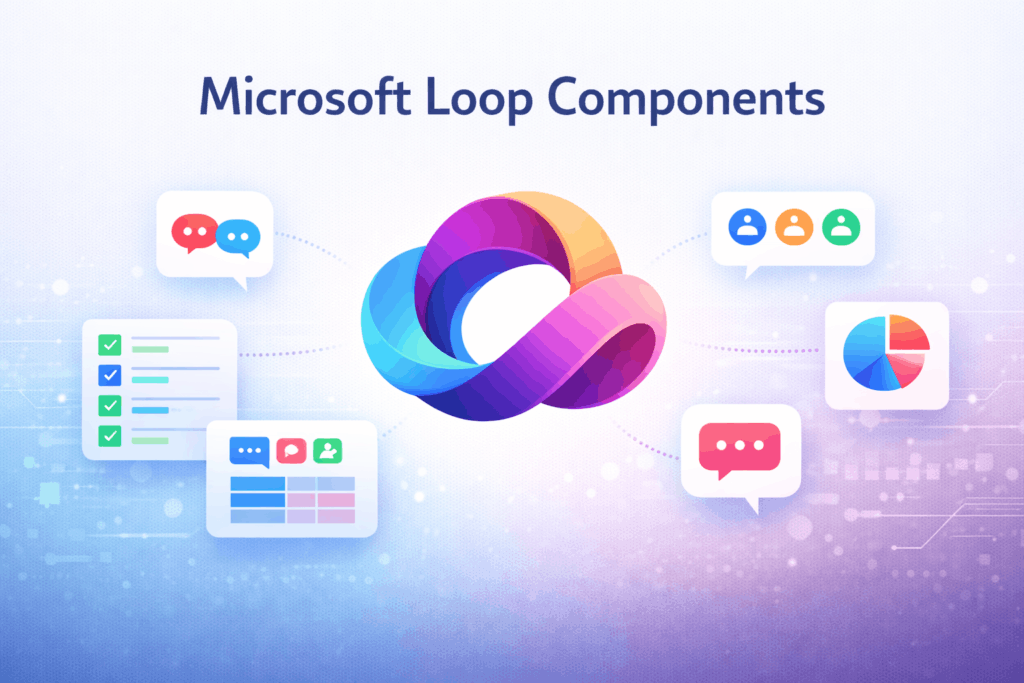
What Are Microsoft Loop Components?
Loop Components are portable, live content blocks—like tables, lists, and notes—that stay updated wherever they’re shared. They enable real-time collaboration across Microsoft 365 apps including Teams, Outlook, Word, OneNote, and Whiteboard
Key Features
- Live Editing: Everyone sees changes instantly.
- Cross-App Portability: Use in chats, emails, documents.
- Content Sync: Updates reflect across all instances.
Integration with Microsoft 365
- Teams - Share editable components in chats/channels
- Outlook - Embed live tables/lists in emails
- Word/OneNote - Collaborate on shared notes and tasks
- Whiteboard - Use Loop for brainstorming and planning
Use Case Example: A project manager shares a task list via Teams. Team members update it in Outlook or Word, and all changes sync instantly.
Admin Management via PowerShell
Admins can control Loop usage with Cloud Policy and SharePoint PowerShell
- Enable Loop Components
Set-SPOTenant -IsLoopEnabled $true
- Enable Collaborative Meeting Notes
Set-SPOTenant -IsCollabMeetingNotesFluidEnabled $true
- Configure Cloud Policies
Use Microsoft 365 Admin Center to:
- Allow Loop in Outlook, Teams, OneNote
- Control workspace creation
- Manage file sharing permissions
- Monitor Usage
Track adoption and usage via Microsoft 365 usage reports.
Benefits for Organizations
- Boosts Productivity: No more switching apps to update content.
- Improves Transparency: Everyone sees the latest version.
- Enhances Governance: Admins retain control over deployment.
Best Practices
- Train Teams: Educate users on how Loop works across apps.
- Start Small: Pilot Loop in Teams before expanding.
- Secure Sharing: Use policies to manage external access.
Post Views: 12