

Mastering SPFx React Connections: Best Practices for Modern SharePoint Development
Modern SharePoint development with the SharePoint Framework (SPFx) and React offers powerful ways to build scalable, user-friendly web parts. But success depends on how well you connect React components with SPFx services. This blog explores the key aspects of SPFx React connections, step by step, with practical insights for developers.
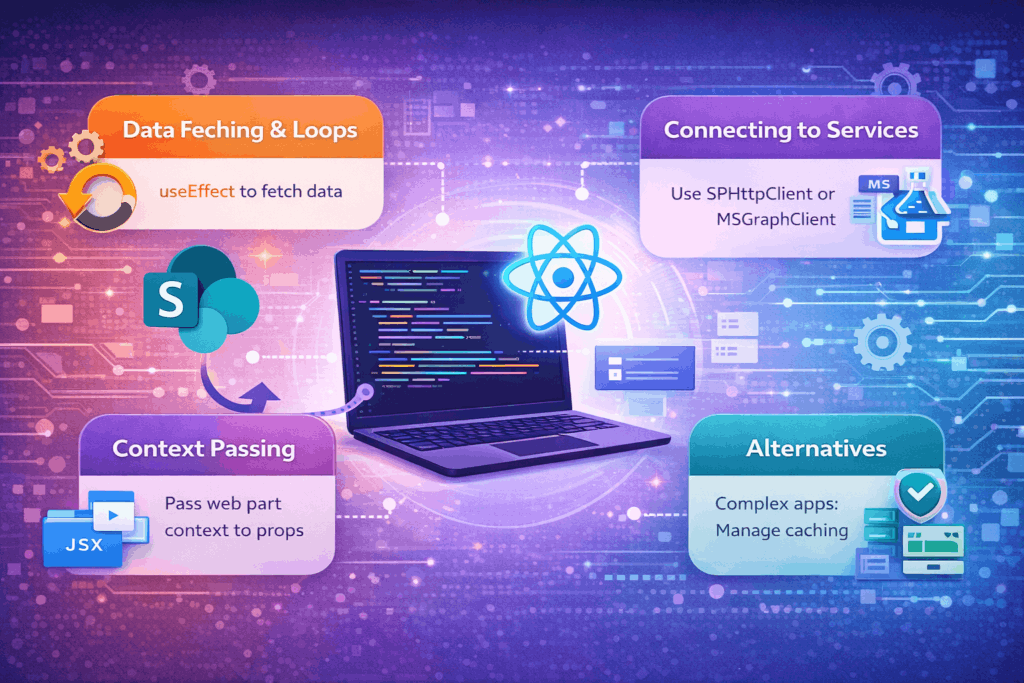
1. Data Fetching & Avoiding Infinite Loops
One of the most common mistakes developers make is fetching data directly inside the render method. This approach causes infinite loops because the render method keeps re-executing.
✅ Best Practice
Use React hooks like useEffect to fetch data only once or when specific properties change. Pair it with useState to manage the data lifecycle.
useEffect(() => {
const fetchData = async () => {
const response = await props.context.spHttpClient.get(
`${props.context.pageContext.web.absoluteUrl}/_api/web/lists`,
SPHttpClient.configurations.v1
);
const data = await response.json();
setListData(data.value);
};
fetchData();
}, [props.context]);
2. Connecting to Services
SPFx provides built-in clients to connect to data sources:
- SPHttpClient → For SharePoint REST API calls
- MSGraphClient → For Microsoft Graph API calls
These clients are available in the SPFx context and should be used instead of external libraries to ensure secure, authenticated requests.
3. Context Passing
The SPFx web part context contains critical information like SPHttpClient and pageContext. To make React components aware of this, pass the context via props.
Inside the component, you can then access services and environment details seamlessly.
4. Structuring Your Web Part
Start with the Yeoman generator:
yo @microsoft/sharepoint
This scaffolds a modern React web part. From there:
- Use useEffect for API calls
- Use useState for managing component state
- Keep logic modular and reusable
This structure ensures your web part is clean, maintainable, and future-ready.
5. Alternatives for Complex Applications
For advanced scenarios, consider react-query. It simplifies:
- Caching
- Retry logic
- Asynchronous data fetching
This is especially useful when building enterprise-grade SPFx solutions with multiple data sources and complex state management.
Why These Practices Matter
By following these guidelines, developers can:
- Avoid common pitfalls like infinite loops
- Ensure secure and reliable data connections
- Build efficient, scalable SPFx solutions
- Deliver modern, responsive user experiences
Conclusion
SPFx + React is more than just building web parts—it’s about creating smarter, faster, and more connected apps for the modern workplace. By mastering data fetching, service connections, and context management, developers can unlock the full potential of SharePoint Framework.